write-a-lot
A lightweight, calm, offline place to write a lot. Journaling and creative writing in one quiet editor.
Download
Opening it the first time (these builds aren't code-signed yet)
macOS: right-click the app, choose Open, then confirm. Or System Settings > Privacy & Security > Open Anyway.
Windows: if SmartScreen appears, click "More info", then "Run anyway".
Linux: install the .deb from a terminal with sudo dpkg -i write-a-lot_0.1.0_amd64.deb (a graphical installer may refuse a local file). For the AppImage, chmod +x it and run.
Your words live as plain Markdown files you own forever. No database, no cloud, no account, no lock-in. The journal outlives the app.
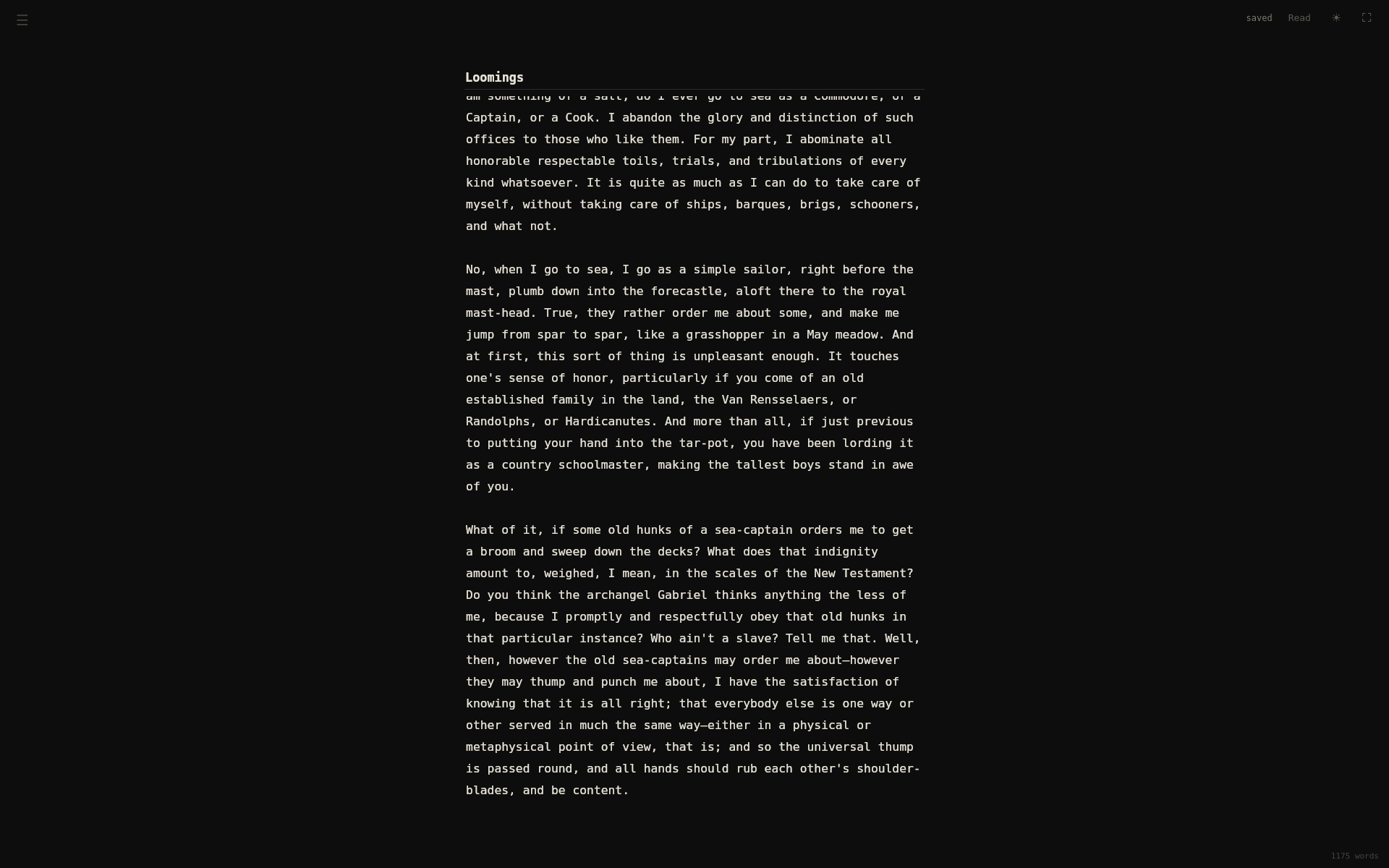
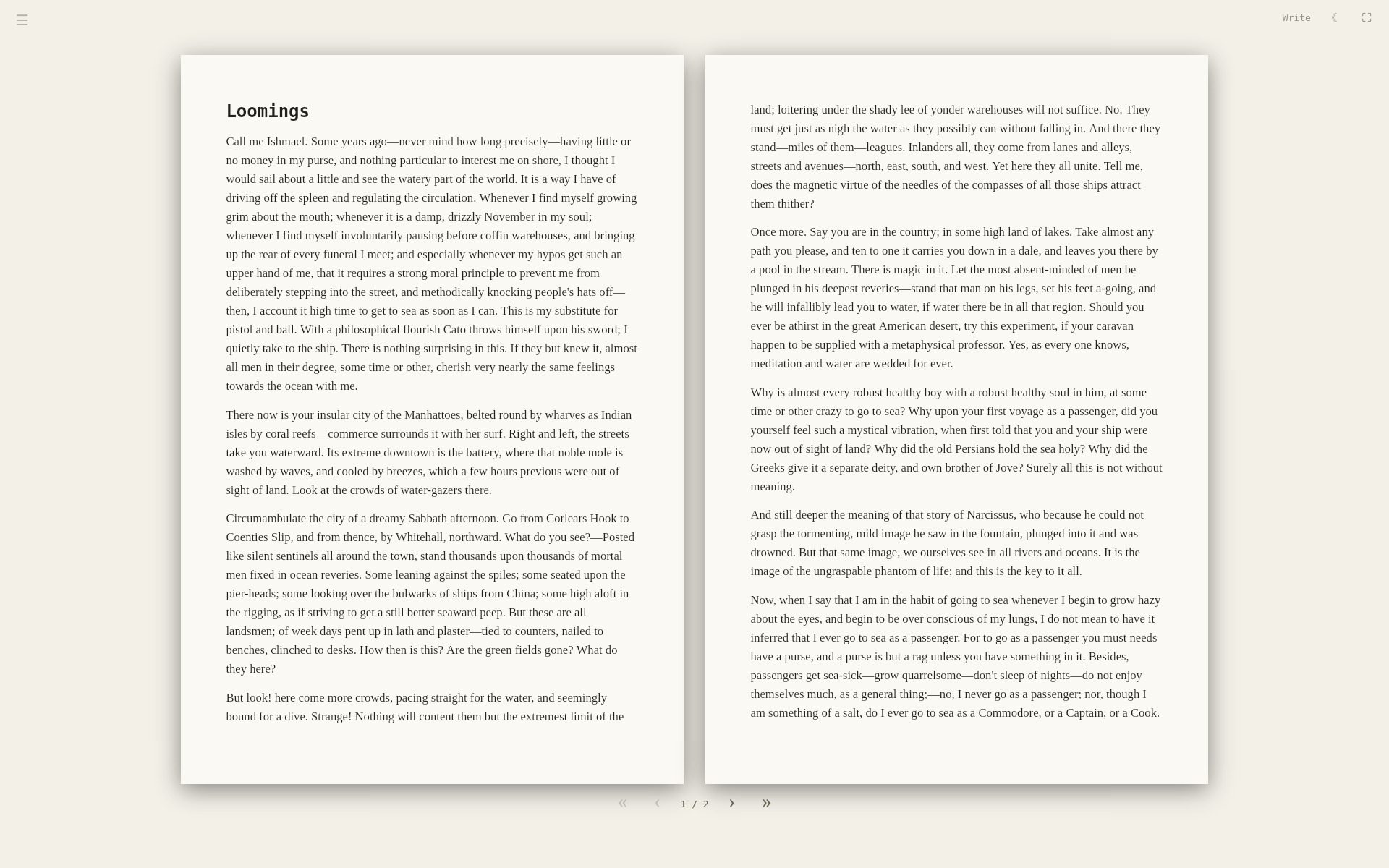
What it is
- One focused editor for both journaling and creative writing. No prompts, no templates, no modes, just a blank page that becomes whatever you're writing.
- Every entry is a plain text file in a folder you choose. Open it in any editor, back it up any way you like, and because it's Markdown (
.md), it imports cleanly into other tools whenever you want to take your work further. - Set dark or light paper separately for writing and reading. Full-screen, keyboard-driven, adjustable text size, and it's fast and only a few megabytes.
♥ Donate to POLIFAX
write-a-lot is free and open source. If it is useful to you, please consider a donation to the POLIFAX charity.